Benefits, ROI & Costs of Managed IT Services for Dallas Businesses
Managed IT services replace “break-fix panic” with proactive monitoring, help desk support, and security—usually for a predictable monthly fee. In Dallas, pricing commonly falls around $99–$250 per user/month, depending on coverage and security scope, and ROI typically shows up as fewer outages, faster fixes, and more predictable budgeting.
Key Takeaways
Managed IT services provide proactive monitoring, help desk, security, and planning for a predictable monthly fee.
Dallas pricing often falls around $99–$250 per user/month, depending on coverage and security scope.
ROI usually comes from less downtime, faster ticket resolution, and fewer surprise project costs.
Compare providers by SLA response times, security stack, documentation, and reporting cadence.
Watch for red flags like vague scope, per-ticket add-ons, or weak cybersecurity practices.
A hybrid model can keep strategic IT in-house while outsourcing 24/7 operations and security.
Network Elites offers Dallas-based managed services with flat-rate plans and 24/7 support.
Why Managed IT Services Are Essential for Modern Businesses
Technology underpins nearly every aspect of business today—from collaboration tools and cloud storage to customer databases and security systems. For small and mid‑sized companies, maintaining this infrastructure in house is both complex and expensive. That’s why many organizations turn to managed IT services: outsourced partnerships that provide proactive monitoring, help desk support, cybersecurity, cloud management, and strategic guidance for a predictable monthly fee.
Unlike the break‑fix model—where you call for help only when something breaks—managed services keep your systems running smoothly around the clock. This shift from reactive to proactive support saves money, reduces downtime, and allows internal staff to focus on strategic initiatives rather than troubleshooting.
Key Benefits of Managed IT Services
Predictable costs and budgeting: Instead of unpredictable repair bills and costly emergencies, managed IT providers charge a flat monthly fee. Dallas providers typically offer tiers of service—basic, standard, and premium—that range from $99 to $250 per user per month, depending on your needs.
Access to expertise: A managed service provider (MSP) employs specialists in network engineering, cybersecurity, cloud platforms, and compliance. Small businesses gain enterprise‑grade expertise without hiring a full in‑house team.
Proactive monitoring and maintenance: MSPs use automated tools to monitor networks 24/7, applying patches, detecting anomalies, and fixing issues before they affect users. According to industry research, small businesses lose an average of $100,000 per hour during network downtime; proactive management dramatically reduces these losses.
Enhanced security: Cyber threats are evolving quickly. Managed services provide layered security—firewalls, endpoint protection, intrusion detection, and security awareness training—to protect sensitive data. Premium packages include security operations center (SOC) monitoring and compliance management.
Scalability and flexibility: Per‑user pricing allows businesses to add or remove seats as their headcount changes. MSPs can quickly provision new accounts, set up devices, and manage hybrid work environments across offices in Dallas, Plano, or Fort Worth.
Strategic IT planning: Many MSPs include virtual CIO (vCIO) services. A vCIO aligns technology investments with business goals, recommends new tools, plans for scalability, and helps budget for future projects.
Understanding Managed IT Services Pricing Models
Managed IT pricing varies based on the service level, number of users/devices, and special requirements. Common pricing structures include:
Per‑user pricing: A flat fee per employee each month. Dallas businesses usually pay $99–$250 per user, with most falling around $125–$175. This model is ideal for companies with a fairly consistent headcount.
Per‑device pricing: Costs depend on the number of endpoints (laptops, desktops, servers, and network devices). Industry ranges run from $100 to $400 per device per month.
Tiered packages: Providers bundle services into tiers (basic, standard, premium). Basic plans might include monitoring, patch management, and limited help desk support; standard adds backup, 24/7 help desk, and security; premium layers on compliance, advanced threat protection, and vCIO services. Costs increase with complexity and compliance requirements.
À la carte or custom: Businesses can select specific services (e.g., backup only, cybersecurity monitoring) for custom pricing. This is useful for companies with specialized needs or that maintain part of their IT in house.
Other variables that influence cost include the number of physical locations, compliance requirements (HIPAA, PCI‑DSS, CMMC), infrastructure complexity, and desired response time SLAs. For example, regulated industries might add $30–$75 per user to cover documentation and security; remote offices outside Dallas may incur modest surcharges for on‑site visits.
Hidden Costs to Watch Out For
When evaluating MSP quotes, ask about onboarding fees, early termination penalties, out-of-scope work, and licensing costs. Some providers charge extra for cloud migrations, complex projects, or emergency on‑site support. A transparent contract should spell out what’s included and what incurs additional charges.
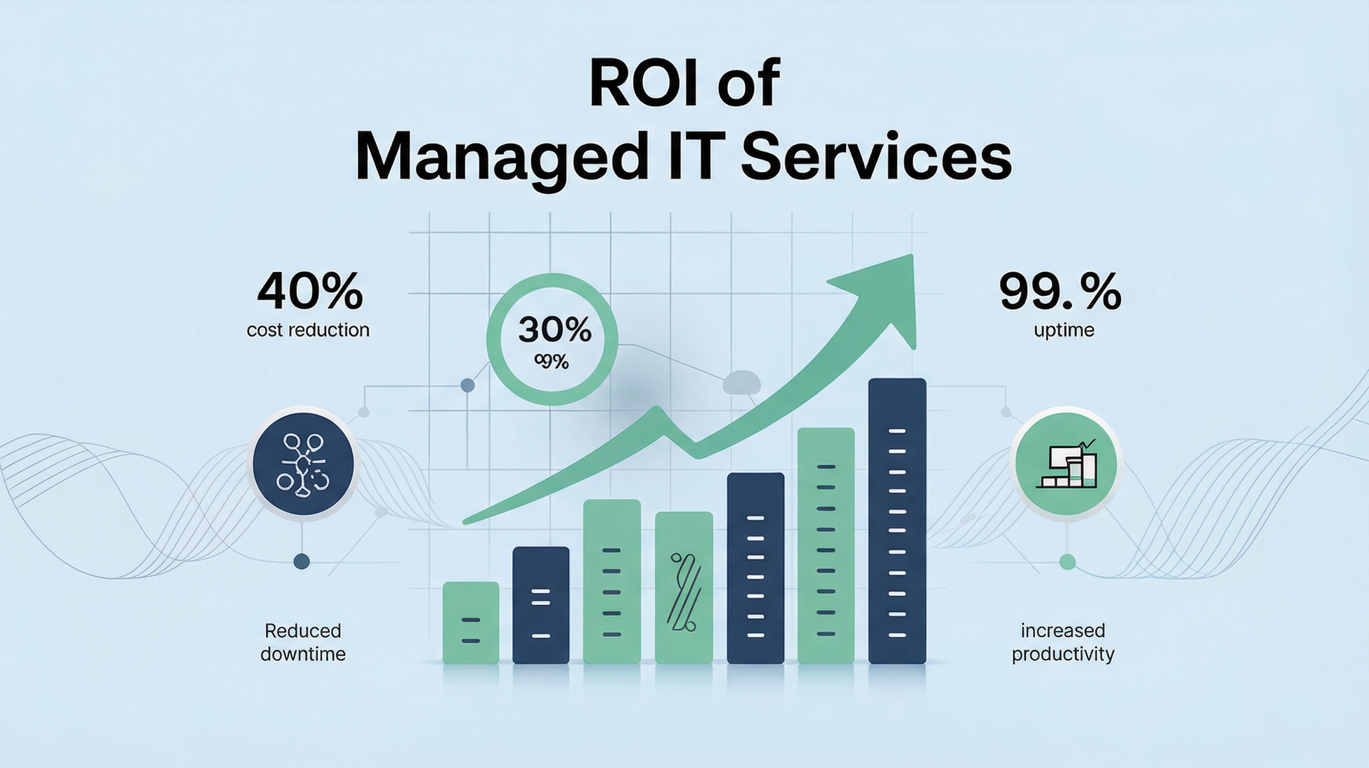
Calculating the ROI of Managed IT Services
Return on investment (ROI) helps you justify outsourcing IT. A simplified formula is:
Net benefits include direct savings (lower payroll, fewer emergency repairs, volume discounts on hardware/software) and indirect savings (reduced downtime, increased employee productivity, improved security posture). Total costs are the managed service fees plus any additional expenses for projects or compliance. When downtime costs can reach $100,000 per hour, preventing even a single outage often pays for a year of service.
Let’s consider a 25‑employee Dallas business. Without managed IT, assume annual IT spend includes one full‑time IT staff member ($90,000 salary plus benefits), emergency support ($10,000), and lost productivity from downtime ($9,600 for 240 hours at $40/hour). Total annual cost: roughly $109,600. With managed services at $150 per user per month (mid‑range), total annual fees are $45,000. Even after adding $5,000 for onboarding and occasional projects, the company saves around $60,000 while gaining more comprehensive support. The ROI would be approximately (((109,600 - 50,000) / 50,000) × 100) ≈ 119%\—a compelling case.
Selecting the Right Managed IT Provider
Choosing an MSP isn’t just about price; it’s about finding a partner that aligns with your business goals. As you evaluate providers in the Dallas–Fort Worth area:
Assess experience and local expertise: Look for companies with a long track record serving DFW industries such as healthcare, finance, and manufacturing. Local providers understand regional challenges like power reliability during Texas summers and can respond quickly to on-site issues.
Review service level agreements (SLAs): Ensure the provider offers guaranteed response times, 24/7 availability, and clear escalation processes. Transparent SLAs protect you from slow support.
Verify certifications and security protocols: Inquire about certifications and data‑center standards. A strong security posture is critical as cyber threats rise.
Look for a proactive, consultative approach: The best MSPs act as strategic partners, offering regular technology reviews, budgeting guidance, and vCIO services. They help you plan upgrades, adopt emerging technologies, and align IT with business growth.
Why Choose Network Elites for Managed IT?
Network Elites is a Dallas‑based MSP with over 15 years of experience helping DFW businesses thrive. We offer:
Flexible pricing: We tailor plans to fit your organization’s size and industry.
24/7 local support: Our help desk and network operations team are headquartered in Texas, ensuring rapid response to emergencies. We monitor systems around the clock and provide on‑site assistance when needed.
Comprehensive security: Network Elites delivers multi‑layered protection, including firewall management, endpoint protection, intrusion detection, and compliance support. Premium plans include SOC monitoring and advanced threat analytics.
Strategic guidance: Our vCIOs partner with you to develop IT roadmaps, budget for future investments, and leverage technology as a competitive advantage. We also assist with cloud migrations, disaster recovery planning, and regulatory compliance.
Managed IT services offer Dallas businesses predictable costs, expert support, and the peace of mind that comes with round‑the‑clock monitoring and security. With pricing models that fit different budgets and strong ROI potential, outsourcing IT is often more cost‑effective than hiring in house.
If you’re ready to reduce downtime, improve security, and focus on growing your business, partner with a provider who understands the Dallas market.
Reach out to usto learn how Network Elites can tailor a managed IT service plan that meets your needs and unlocks lasting value for your organization.
.png)