.png)


5 Benefits Of Cloud Processing For Small Businesses

Top-rated managed IT service providers in Dallas are MSPs that deliver consistent day-to-day IT management and can prove it with documented processes and strong client feedback. The right MSP should reduce downtime, improve security posture, and give you predictable IT operations without needing to staff every specialty in-house.
Dallas businesses tend to need this fast because growth, hybrid work, and security pressure rarely wait for internal hiring cycles.
The guide explains what a managed service provider (MSP) is, what “managed IT” typically includes, and how to compare top-rated managed IT service providers in Dallas using practical criteria like security, response times, tooling, and fit.
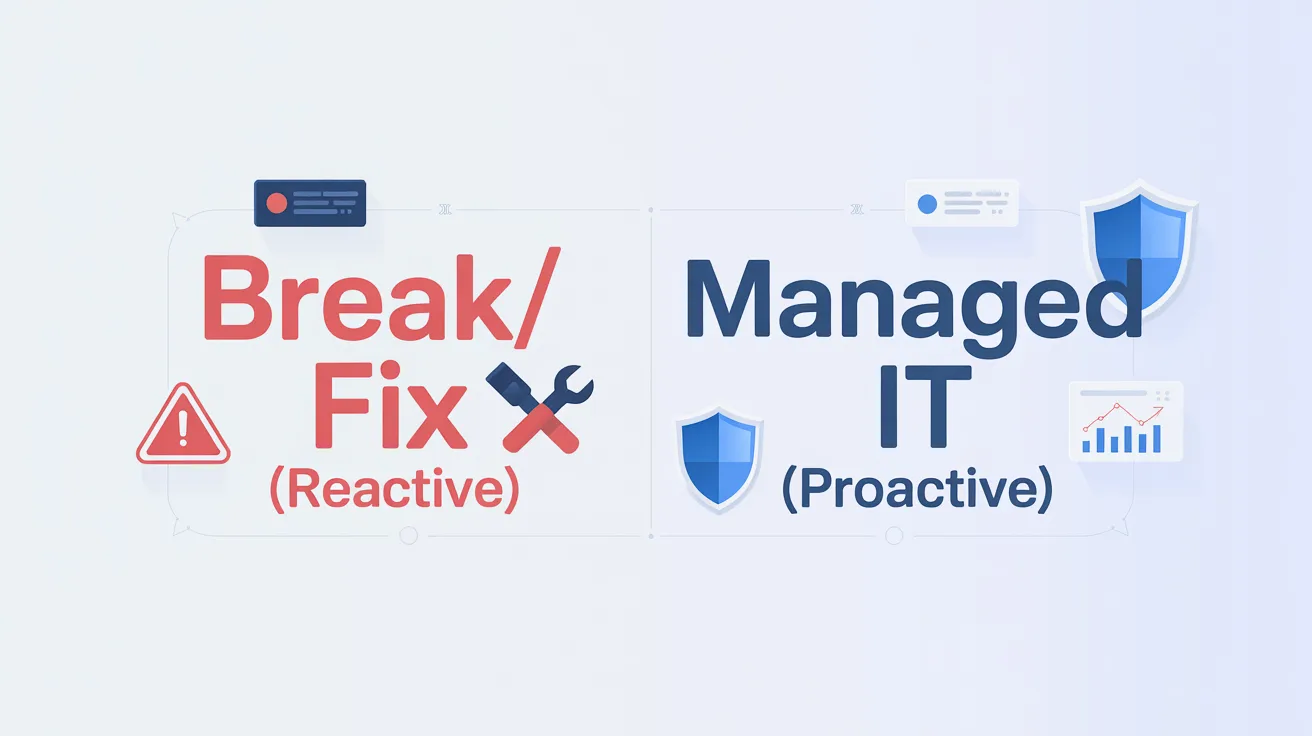
A managed service provider (MSP) is a third-party company that remotely manages an organization’s IT infrastructure and end-user systems, usually as an ongoing service with defined responsibilities. TechTarget’s MSP definition also notes that MSP work commonly includes areas like network management, security, and monitoring, especially for SMBs and organizations that need day-to-day IT operations handled consistently.
If you’ve ever felt like IT is stuck in react mode, managed services are meant to move you into proactive operations.

Managed IT services usually include proactive monitoring, patching, help desk, security baselines, backups, and vendor coordination, bundled into an ongoing operational relationship.
Most MSP offerings fall into buckets like:
The biggest difference between providers is how well these are operationalized.

An MSP is top-rated in Dallas when it delivers reliable support outcomes and can demonstrate consistency across response times, security practices, and client satisfaction. Especially in the industries common to DFW, such as professional services, healthcare, manufacturing, logistics, construction, and multi-location retail.
In practical terms, “top-rated” should show up as:

You can compare managed IT service providers in Dallas by scoring them on fit, maturity, and proof, not on the length of their service list.
A simple comparison process is:
This makes quotes comparable and exposes gaps quickly.
A managed IT provider scorecard template helps you compare Dallas MSPs apples-to-apples.
A managed service provider is not the same as an internal IT department, but a good MSP can function like an extension of your team. Some businesses keep a small internal IT lead for strategy and vendor oversight while using an MSP for operations. Others outsource most day-to-day work and keep only business-side stakeholders internally.
Managed IT services cost depends on user count, device count, compliance needs, coverage hours, and your current environment maturity. The best way to avoid surprise costs is to define scope up front, and require the provider to specify what is included versus project work.
The questions you should ask before signing with a Dallas MSP include: what’s in the SLA, what security baseline is included by default, how onboarding works, what reporting you’ll receive monthly, and how they handle incidents and escalations. If answers are vague, support will usually be vague too.
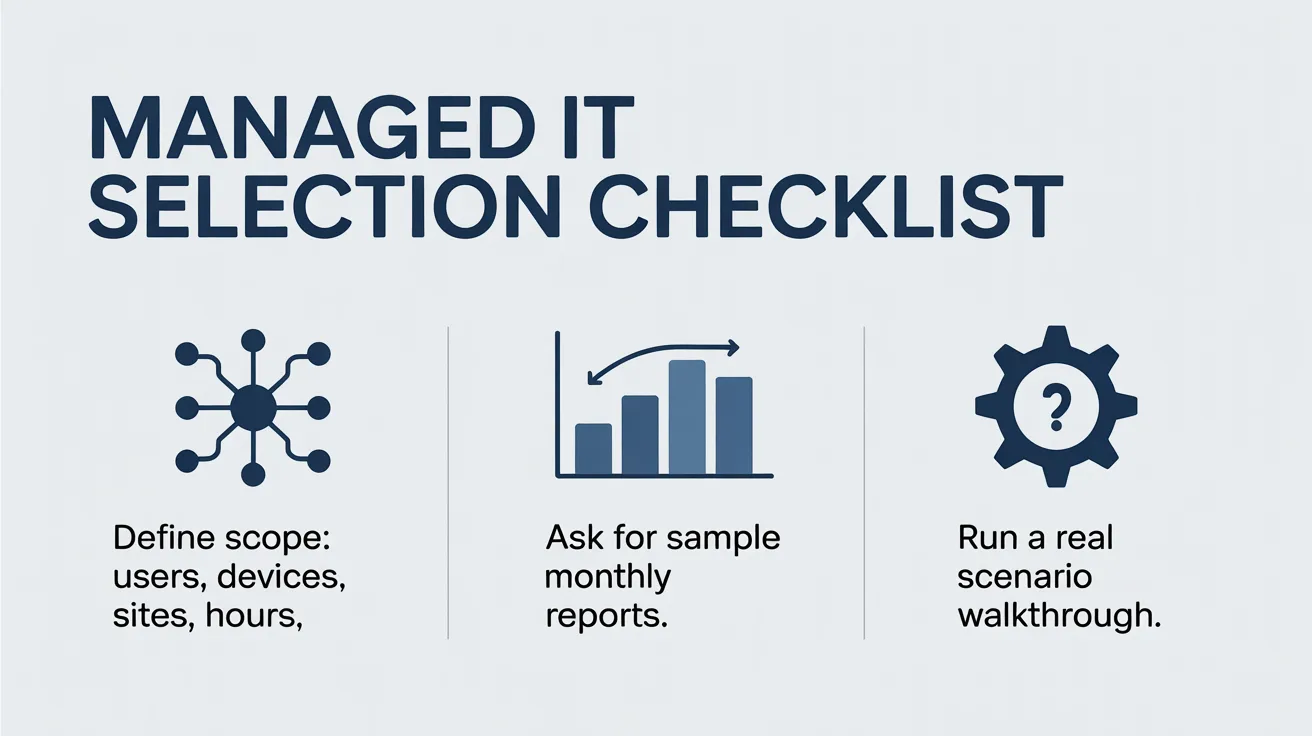
A managed IT selection checklist includes:

Top-rated managed IT service providers in Dallas should be evaluated by proof: response performance, security maturity, onboarding process, and transparency, not just a long service menu. A structured comparison process makes it much easier to choose a provider that will actually reduce downtime and risk.
If you want managed IT that feels predictable instead of reactive, start with scope, success criteria, and a shortlist built around your environment. The right MSP relationship should make IT quieter, safer, and easier to plan.
Contact us today if you’re looking for a managed IT partner in Dallas-Fort Worth and want a clear plan.

Protect against loss and crisis.