.png)


5 Benefits Of Cloud Processing For Small Businesses
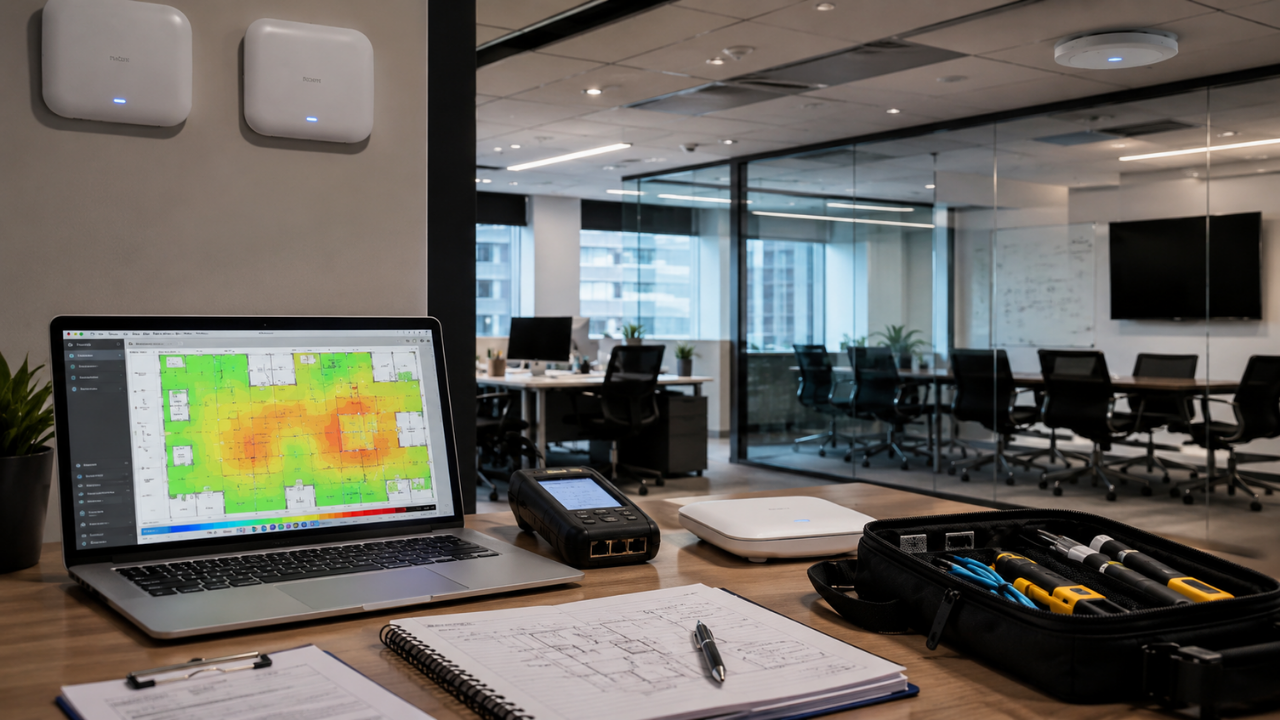

Wi-Fi coverage in an office building usually comes down to a simple mismatch. The wireless network was set up for one way of working, but the building is being used in a very different way now. We see it all the time. More people. More cloud apps. More video meetings. More wireless printers. More phones, laptops, and mobile devices are connecting all day long. But nobody updates where the access points sit, how the channels are planned, or how much capacity the network actually needs.
The result is frustrating in very predictable ways. Calls drop in conference rooms. Corners, storage areas, and back offices turn into dead zones. Speeds slow down right when busy teams need the network most. People give up and switch to mobile hotspots just to get through the day. In our experience, this usually is not an internet problem. It is a coverage and capacity problem inside the building. The signal simply is not reaching the right places with enough strength, reliability, or room to handle the demand.
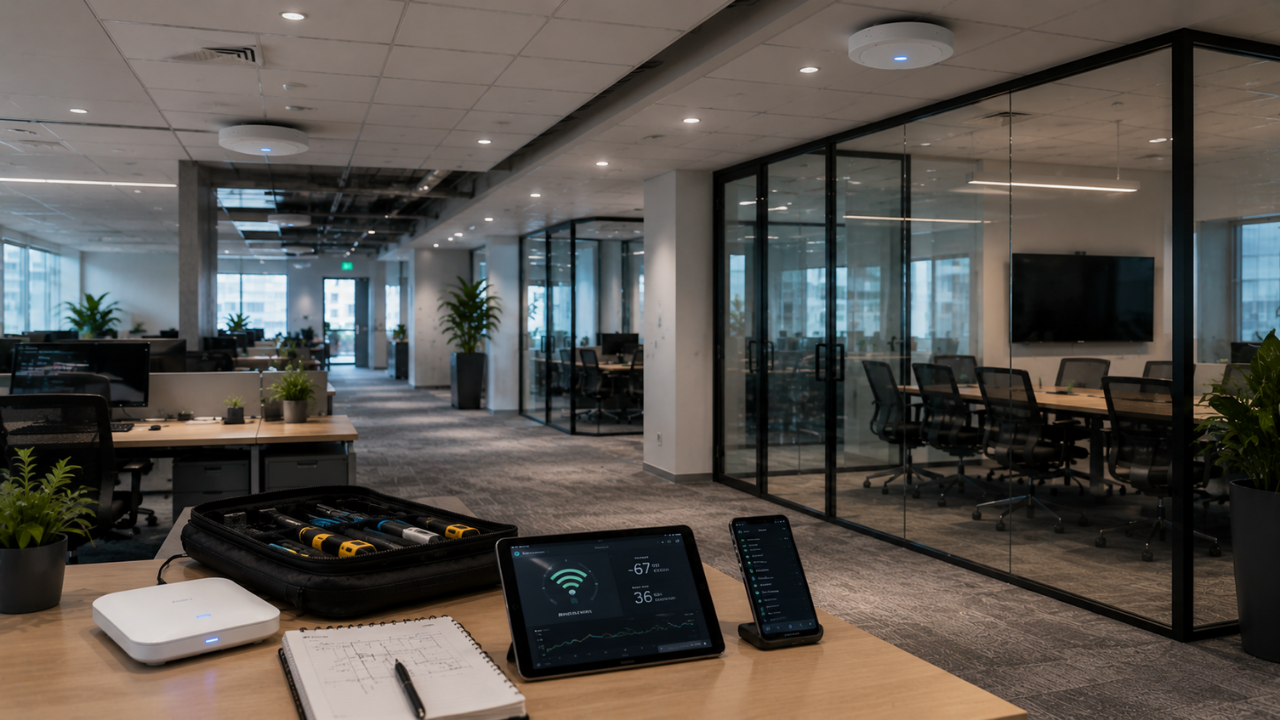
A fast internet circuit can help, but it will not fix bad Wi-Fi by itself. When we look into poor coverage in an office building, the problem is usually inside the space, not with the provider. Wi-Fi performance depends on what the signal runs into, how the access points are placed, how much interference is in the air, and how many devices are trying to share the network at once.
In most offices, we see a mix of issues rather than one single cause:
We also treat a wireless local area network as more than just the access points. NIST describes a WLAN as a group of devices in a limited area, such as an office building, that exchange data over radio. NIST also points out that WLAN security depends on protecting the whole environment across its lifecycle, from design and deployment through ongoing maintenance.
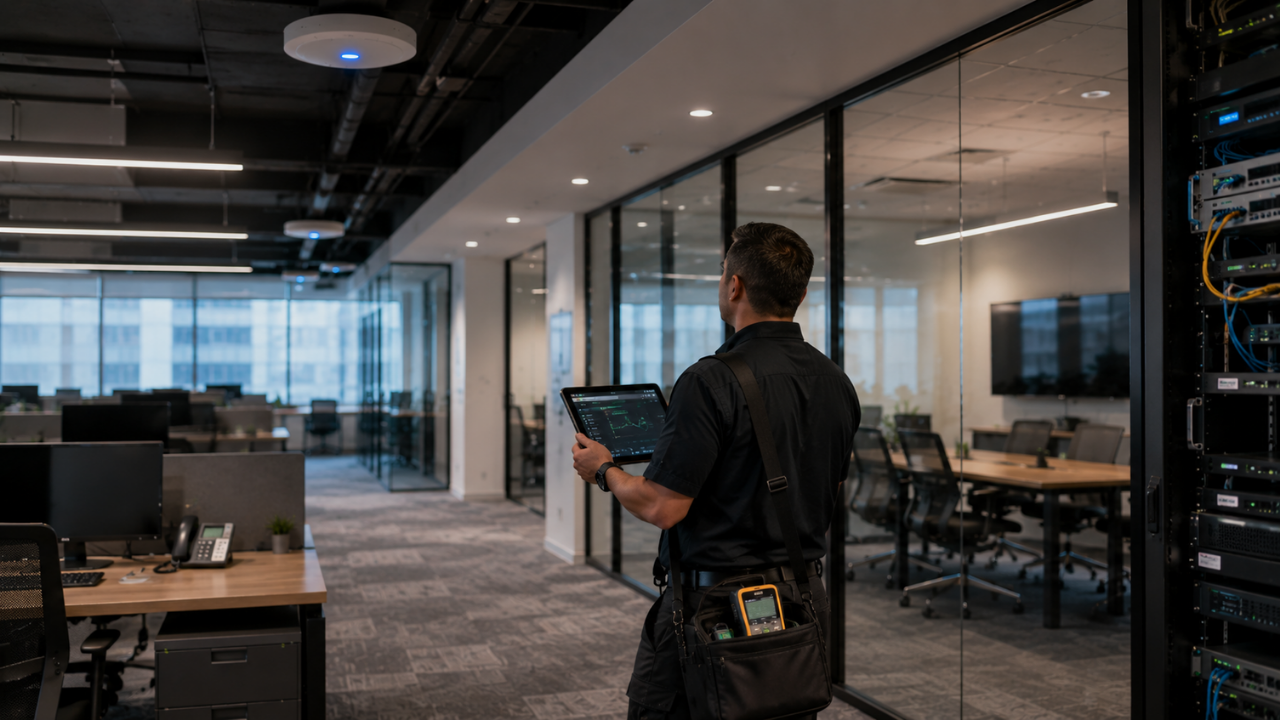
When Wi-Fi feels unreliable, we don’t start by guessing. We first figure out whether the problem is the internet connection itself or the wireless setup inside the office. That matters because slow Wi-Fi can mean a few very different things, and the fix depends on what is actually causing it.
We start with the basics. We confirm the internet connection is stable at the firewall or router, then test wired speeds to see if the slowdown is coming from the connection or from the wireless layer. From there, we look at where people are having trouble. Weak signal in one area, dropped calls in another, cloud apps dragging in a third. That location data matters.
Next, we check the wireless environment itself. We review access point placement, age, load, channel use, and firmware. We also look at whether business devices and guest devices are competing for the same wireless resources. Then we measure signal strength and interference across the building. A Wi-Fi heat map helps us see the real coverage pattern instead of relying on hunches.
Once we have that information, patterns usually start to stand out. If one conference room struggles every time a meeting starts, that room may need better capacity planning. If the back office always has weak coverage, distance or physical obstacles may be the issue. If the whole office slows down around lunch or mid-morning, device density or channel congestion is often the real culprit.
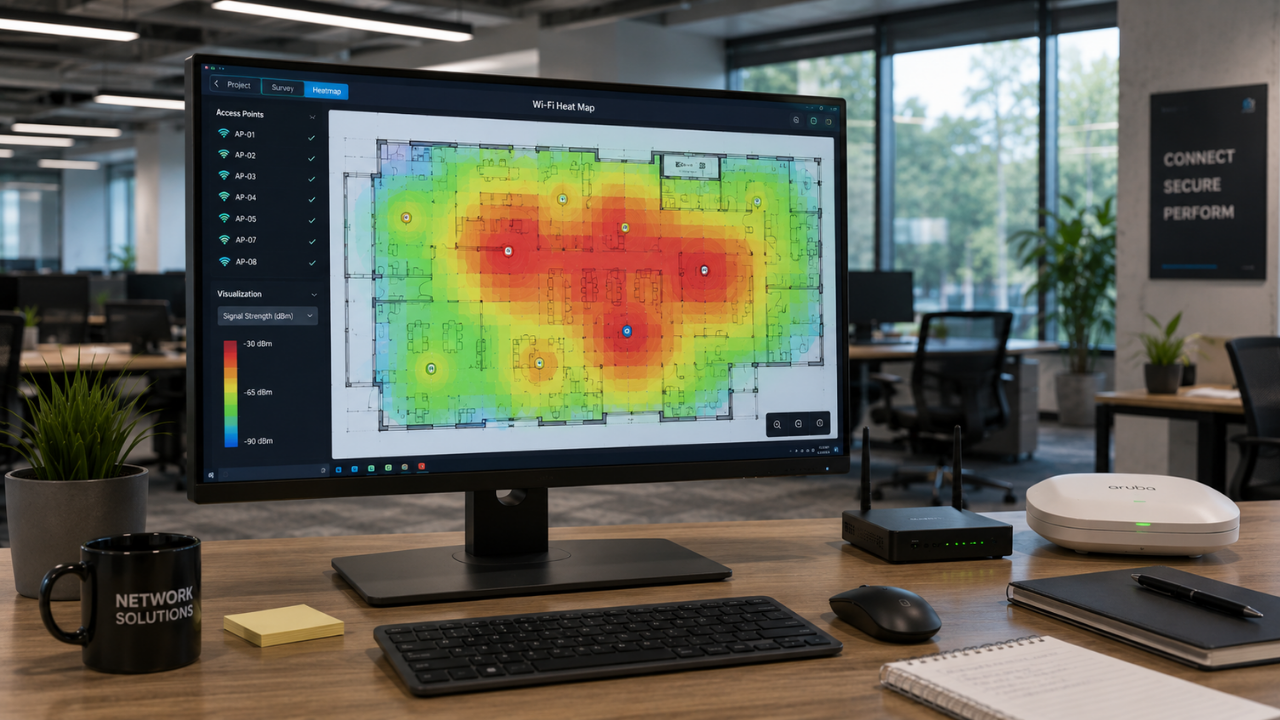
A Wi-Fi heat map gives us a clear picture of how wireless coverage actually behaves across a building. It shows signal strength, coverage quality, interference, and the areas where performance starts to drop off. Put simply, it makes something invisible easy to see and easy to understand for business owners, operations leaders, and IT teams alike.
We usually build a heat map using a floor plan and survey measurements taken throughout the space. Strong coverage looks different from weak coverage, which helps us see where access points are working well, where the signal is getting blocked, and where users are more likely to deal with dropped calls or unstable connections.
What makes a heat map useful is that it takes the guesswork out of Wi-Fi problems. Instead of relying on a comment like “the Wi-Fi feels bad near accounting,” we can look at the map and see what is actually causing the issue. It might be a low signal. It might be interference. It might be poor roaming between access points, or too many users crowding the same area. A heat map helps us find the real problem so we can respond with something more useful than a guess.
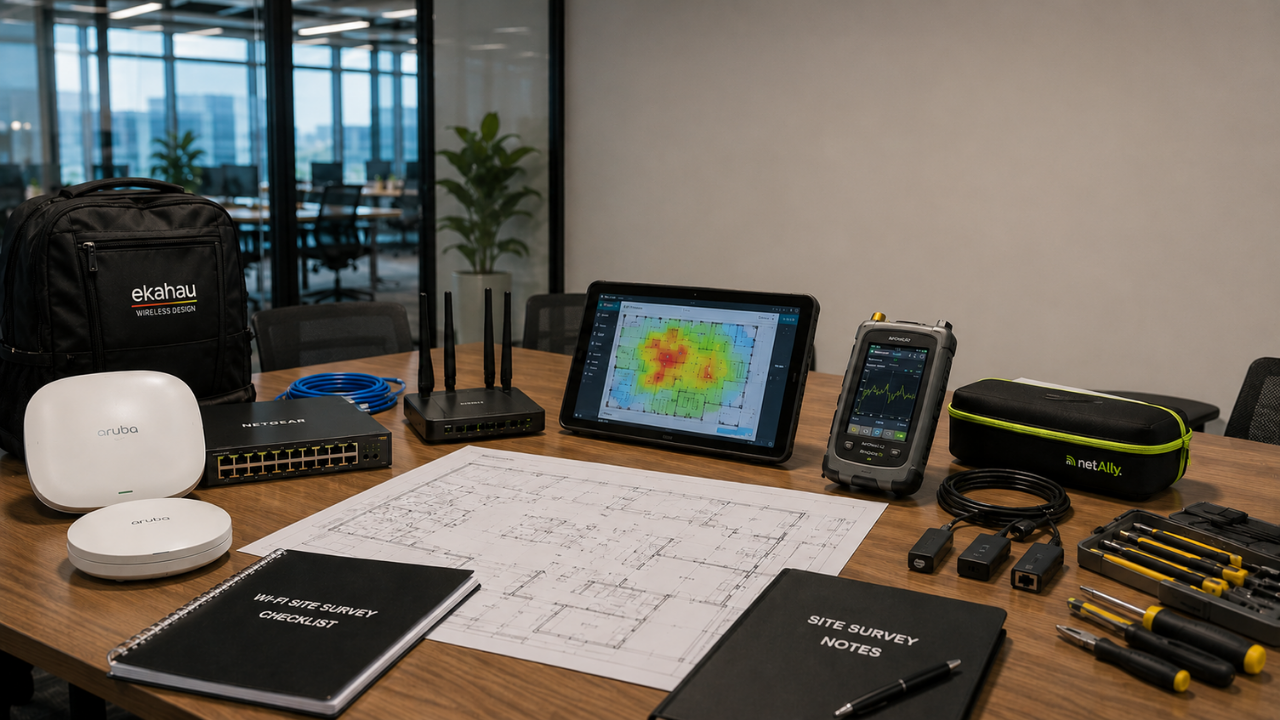
A Wi-Fi heat map helps us see what is actually happening across an office, not just what we assume is happening. It shows where the network is strong, where it falls off, and where changes would make the biggest difference. With that kind of visibility, we can make smarter decisions about access point placement, channel settings, equipment upgrades, cabling, and overall coverage.
In real-world terms, a heat map might show that the front office has solid Wi-Fi while the warehouse struggles because metal racks are getting in the way. It might show that a conference room has coverage, but not enough capacity to support steady video calls. Sometimes it even shows that access points are too close together, which creates interference instead of better performance.
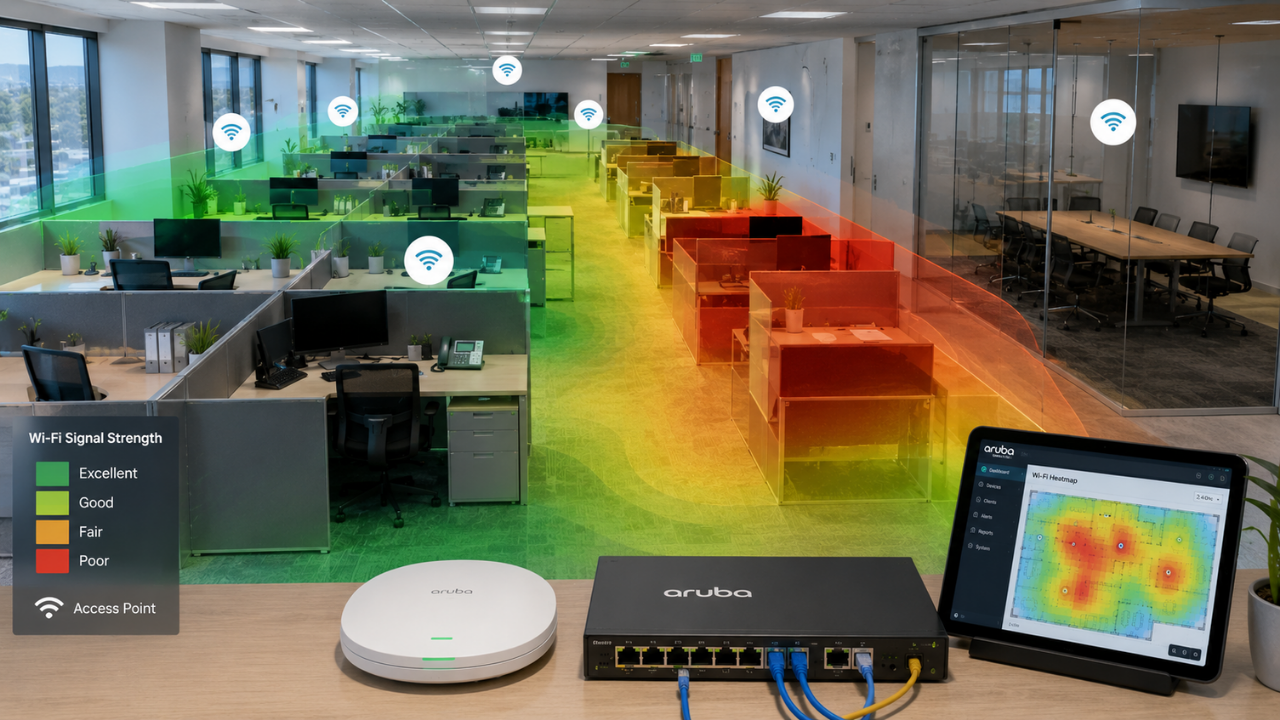
When we build a Wi-Fi heat map, we are trying to see how wireless coverage really behaves in the building. Not how it should work in theory, but how it actually performs once walls, furniture, people, and day-to-day activity get involved. We do that by walking the space with survey software, a floor plan, and a device that measures signal quality at different points.
We start with a floor plan we can trust. It needs to show the details that affect coverage, including offices, conference rooms, storage areas, kitchens, elevators, and anything built with unusual materials. From there, we mark where the current access points are installed and note how each one is mounted, how it gets power, and what network equipment supports it.
Then we walk through the building in a consistent path and collect measurements across the areas people actually use. That includes workstations, conference rooms, hallways, shared spaces, and any spots where users already run into problems. The goal is not just to gather a lot of data. It is to gather the right data from the places that matter most.
We also look beyond basic signal strength. A useful survey should tell us about noise, interference, channel usage, and whether the network can support the applications people rely on every day. Video calls, voice traffic, cloud apps, scanners, and mobile devices all put different demands on wireless, so coverage alone is only part of the picture.
It also helps to identify high-density areas early. Conference rooms, training spaces, lobbies, call centers, and shared work areas often need more capacity than a simple office count would suggest. A space can look fine on a map and still struggle once a lot of people connect at the same time.
Once the survey is done, we compare the heat map with real user complaints. That is usually where the findings start to mean something. Dropped video calls, weak voice quality, slow file access, or unreliable scanner connections often line up with patterns in the data.
At that point, the heat map should lead to an action plan. The point is not to produce a colorful report and stop there. It is to turn the survey into practical recommendations that fit the office layout, the number of users, the types of devices in play, and the way the business actually works.
A heat map is only useful if we interpret it correctly. The final recommendation should connect the wireless design to the real environment, not just the floor plan.
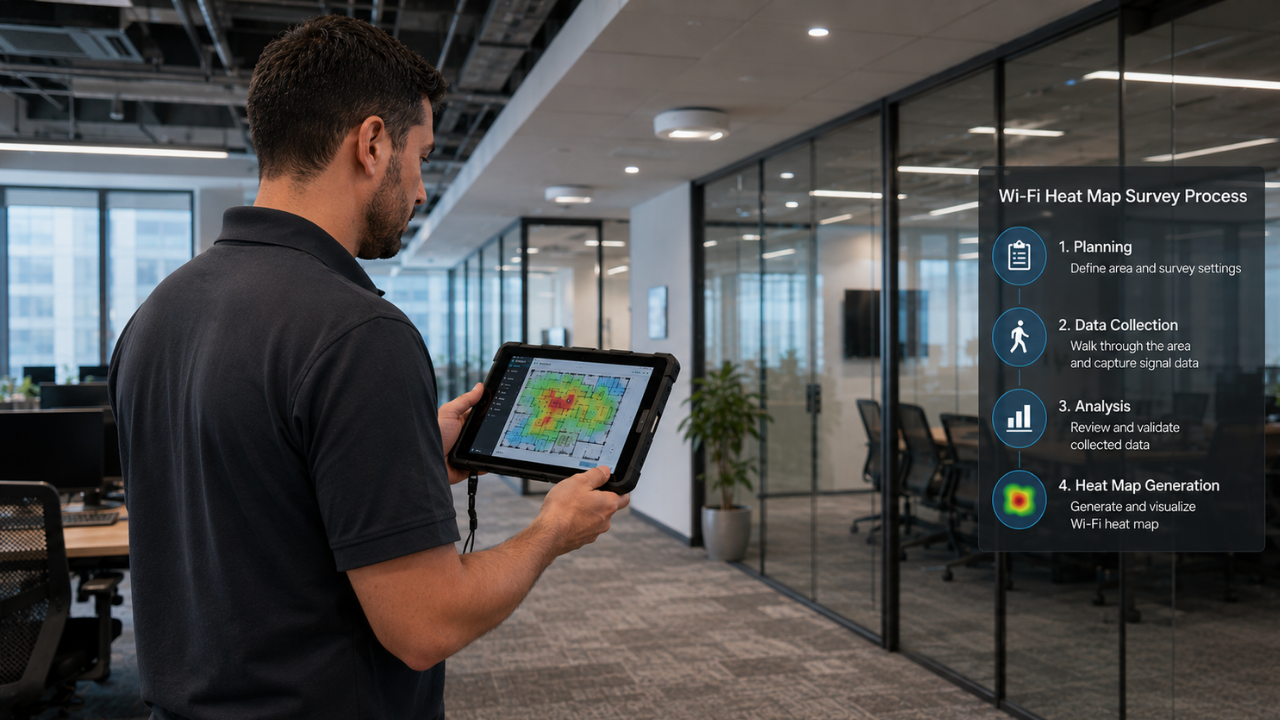
A professional Wi-Fi site survey should do more than confirm that a signal shows up in the building. We use it to determine whether the wireless network can actually support the way the business runs day to day. That means testing coverage, measuring signal strength, checking for interference, reviewing access points, planning for capacity, and laying out clear recommendations.
A solid survey usually includes a few key steps:
The goal is practical. We are not just proving that Wi-Fi exists. We are confirming that it is reliable enough for calls, meetings, devices, daily operations, and growth.
That matters even more as newer wireless standards use more of the 6 GHz spectrum. The FCC expanded unlicensed access across the 5.925 to 7.125 GHz range, which supports newer Wi-Fi 6 and Wi-Fi 6E devices. Even with that added spectrum, reliable indoor coverage still depends on proper planning. Real buildings, real layouts, and real device density still shape how well the network performs.

Poor Wi-Fi coverage is easier to fix when we start with measurement instead of guesswork. A Wi-Fi heat map and professional site survey help us see what is really happening across your office, including weak signal areas, interference, congestion, and capacity issues. Once we have that picture, we can turn it into a practical plan to improve coverage and reliability.
If your Dallas-Fort Worth office is dealing with dead zones, unstable calls, slow cloud access, or wireless devices that do not stay connected the way they should, we can help you get clear on the problem.
We assess the current environment, perform a wireless site survey, map the findings, and help you plan the next step toward a more secure and reliable business network.

Protect against loss and crisis.