

5 Benefits Of Cloud Processing For Small Businesses
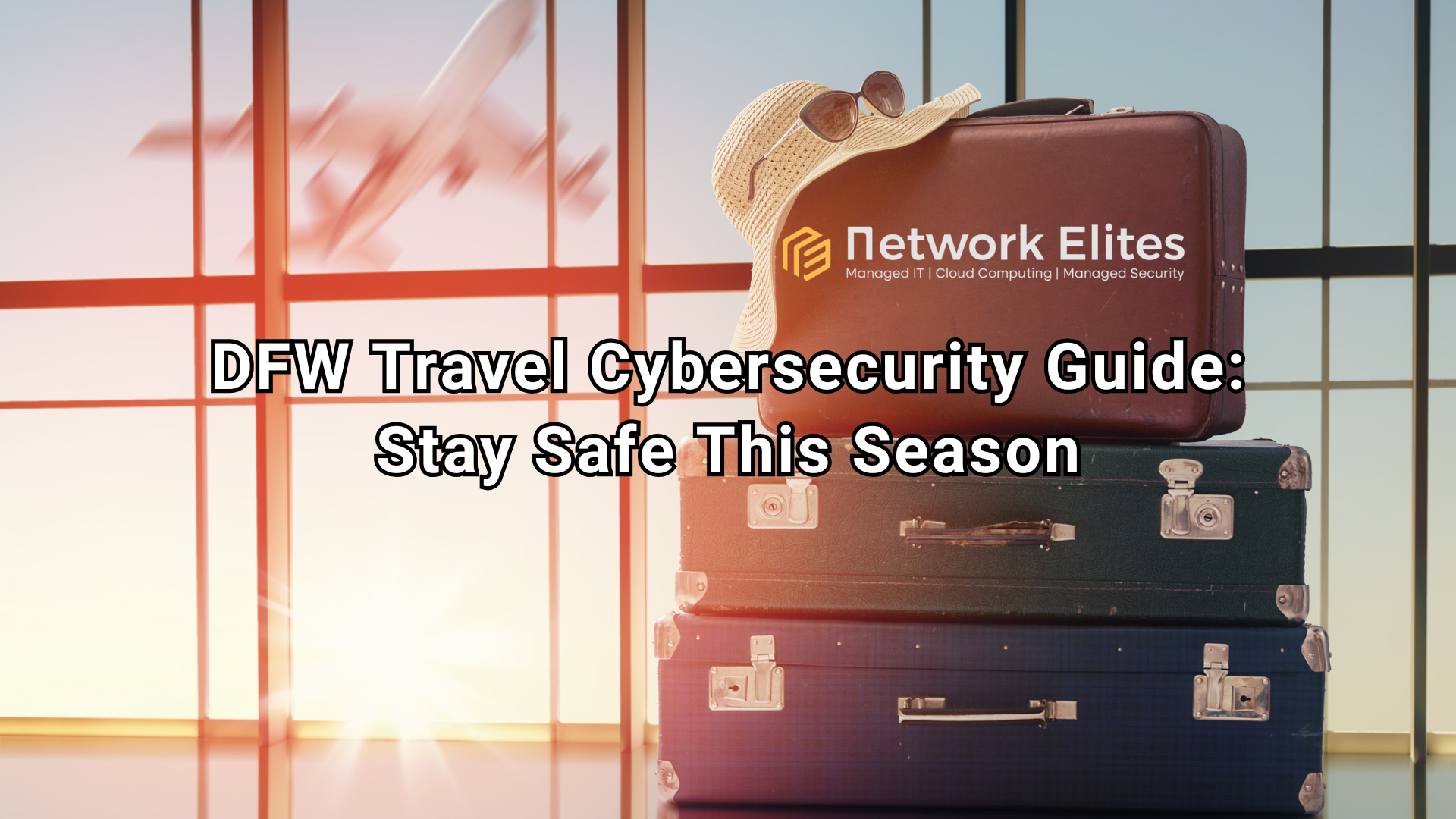
TL;DR: Holiday and business travel through DFW International Airport exposes travelers to unsecured Wi-Fi, phishing attempts, and device theft. DFW travelers can protect their data by using a VPN, enabling two-factor authentication, avoiding public charging stations, and securing devices before, during, and after their trip. A proactive cybersecurity plan keeps both personal and business information safe.
Dallas-Fort Worth International Airport ranks among the busiest airports in the world, and traffic only climbs during the holiday season and peak business travel months. Every one of those travelers carries a laptop, phone, or tablet loaded with personal data, financial information, or confidential business files. That volume of connected devices, paired with crowded terminals and unfamiliar networks, creates a prime hunting ground for cybercriminals.
Public Wi-Fi networks at airports, hotels, and coffee shops rarely offer the same protection as your office or home network. Add in the rush of holiday travel or back-to-back business meetings, and travelers often skip basic precautions just to stay on schedule. That's exactly when mistakes happen.
A proactive cybersecurity approach doesn't require advanced technical skills. It requires a bit of planning before you leave DFW and a few smart habits while you're on the road. Here's what every DFW traveler—whether heading home for the holidays or flying out for a client meeting—needs to know.
Several threats consistently target travelers passing through busy hubs like DFW:
Understanding these risks is the first step. The next is building habits that reduce your exposure to each one.
Preparation matters more than most travelers realize. Before heading to DFW, take these steps:
These steps take less than an hour but significantly reduce your risk profile before you even board a flight.
Once you're moving through DFW or settled into a hotel, cybersecurity becomes an active, ongoing practice:
Mobile devices deserve special attention since they typically hold the most personal data and travel the most exposed:
Business travelers carry an added layer of responsibility: protecting not just personal information, but company and client data as well.
Choose heightened precautions like a dedicated travel device or company-managed VPN if your role involves handling client data, financial records, or proprietary business information. For travelers only checking personal email or social media, standard protections like a VPN and two-factor authentication are typically sufficient.
Whether you're heading home through DFW for the holidays or catching a flight for a client meeting, cybersecurity deserves the same attention as packing your bags or printing your boarding pass. The threats are real, but so are the solutions. Updating your devices, using a VPN, securing your hardware, and staying alert to phishing attempts can prevent a stressful security incident from derailing your trip—or your business.
Simple precautions, applied consistently, significantly reduce your risk. Stay vigilant, stay secure, and travel through DFW with peace of mind this season.
Need help securing your devices or your company's network before your next trip? Our cybersecurity team works directly with individuals and businesses across the Dallas-Fort Worth area to assess vulnerabilities, implement protective measures, and respond quickly if something goes wrong. Reach out to our team today to put a travel-ready security plan in place before you head to DFW.
Is public Wi-Fi at DFW Airport safe to use? Public Wi-Fi at DFW Airport is convenient but not inherently secure. Data sent over these networks can be intercepted by attackers on the same network. Using a VPN encrypts your connection and significantly reduces this risk.
What should I do if my phone or laptop is stolen while traveling? Report the theft immediately, change passwords for any accounts accessed on the device, and use remote wiping capabilities if enabled. Notify your bank and credit card companies if financial apps were stored on the device.
Are hotel business center computers safe to use? Shared computers in hotel business centers carry risk because previous users may have left saved credentials or malware behind. Avoid logging into personal or financial accounts on these machines whenever possible.
Do I need a VPN if I'm only checking email during my trip? Yes. Even routine activities like checking email can expose login credentials on unsecured networks. A VPN adds a layer of encryption that protects this data regardless of what you're accessing.
How is business travel cybersecurity different from personal travel cybersecurity? Business travel often involves access to company networks, client data, and proprietary information, which requires additional safeguards like company-approved VPNs, encrypted documents, and strict reporting protocols for suspicious activity.

Protect against loss and crisis.