.png)


5 Benefits Of Cloud Processing For Small Businesses

TL;DR — Understanding Wi-Fi Survey Report Deliverables: What Your Dallas Business Should Expect
In this article, we walk you through what a professional Wi-Fi survey report should include, how to make sense of the findings, and what a sample report should show before you approve changes to your network. Our goal is to help you see what the data means in practical terms, so you can make informed decisions about coverage, performance, security, and reliability without getting buried in technical detail.
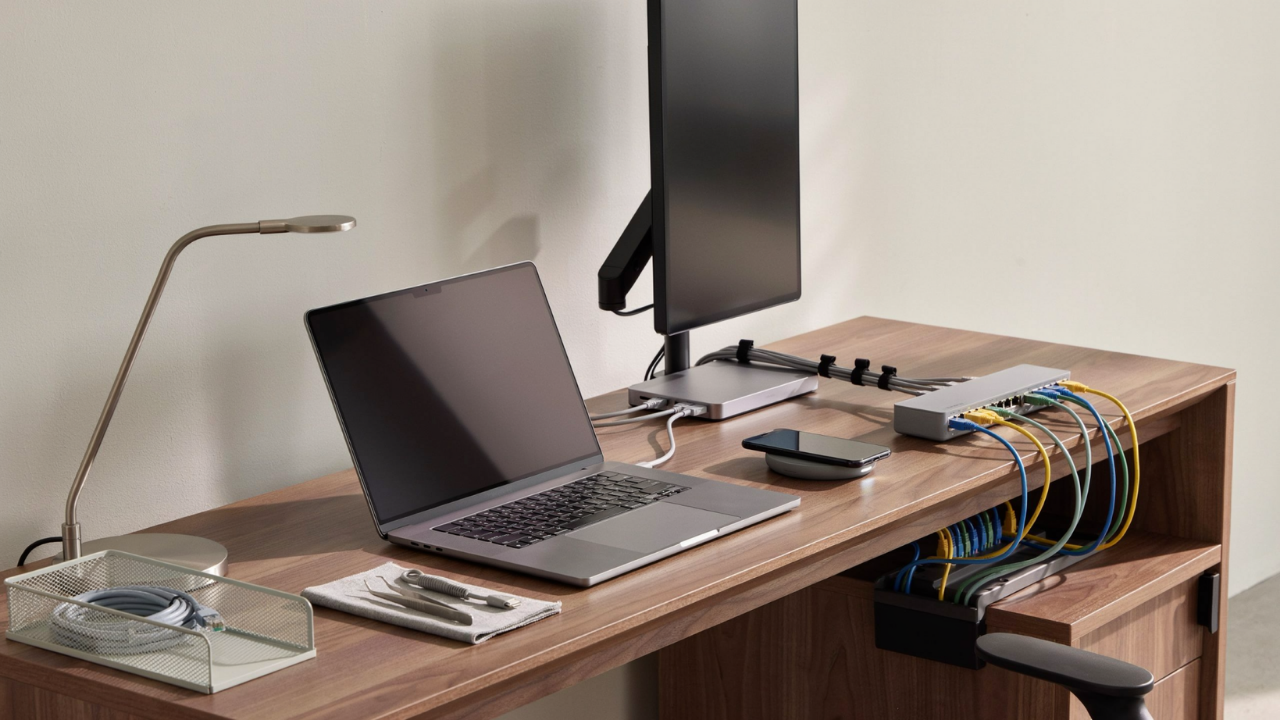
When we complete a Wi-Fi survey, the report will provide more than raw data. It should show what we measured, where your wireless network is performing well, where it is falling short, and what changes can improve coverage, capacity, and reliability.
We expect the deliverables to be useful for both technical and non-technical readers. Operations leaders need to understand how Wi-Fi issues affect productivity, daily workflows, and the people using the space. IT teams need clear findings they can act on, such as where to adjust access points, change channels, improve cabling, or plan for equipment upgrades.
A good survey report should not feel like a folder full of screenshots with no explanation. It should connect the data to real decisions. What needs attention, what's working, and what should happen next. That is what turns a Wi-Fi survey from a technical exercise into a practical plan for a more reliable wireless environment.

A strong Wi-Fi survey report should include an executive summary, floor-plan heat maps, signal measurements, interference findings, capacity notes, access point recommendations, and clear next steps. When we prepare or review a Wi-Fi survey report, we want it to tell the full story in a way you can actually use.
We also look for notes on how the survey was done, what equipment was used, which areas were tested, and what assumptions shaped the results.
The executive summary should keep things plain. It should explain the main findings without burying you in technical detail. For example, we may note that your conference rooms have acceptable WiFi coverage but too much channel congestion. Or we may find that warehouse aisles need access point repositioning because shelving is blocking signal movement.
The technical section should go deeper. That’s where we expect to see measurements, maps, and evidence behind the findings. This includes signal strength, signal-to-noise ratio, channel usage, roaming concerns, and any areas where users may see slow speeds, dropped connections, or inconsistent performance.
The goal is simple. You should be able to see where Wi-Fi is working, where it is struggling, why the issue is happening, and what needs to happen next.

A Wi-Fi heat map gives us a visual way to see how the wireless signal behaves across your building. We use heat maps to make coverage issues easier to spot, especially in offices, warehouses, schools, clinics, and multi-floor facilities.
Most heat maps use color ranges to show stronger and weaker coverage. The exact colors can vary depending on the software, so the report should include a clear legend. What matters most is not the color itself. What matters is whether your work areas, meeting rooms, production spaces, and device paths have reliable coverage for the way your team actually works.
A useful heat map should also be tied to a real, accurate floor plan. If the floor plan is outdated or does not match the space, the findings can be harder for us to apply and harder for you to act on.

When we evaluate Wi-Fi performance, we look beyond basic coverage. We review received signal strength, signal-to-noise ratio, interference, channel overlap, access point visibility, and the client experience in areas where we perform active testing.
Those details help us separate true coverage problems from issues caused by configuration, capacity, or device behavior.
Wi-Fi 6E can also add more usable capacity because the 6 GHz band supports additional wide channels. The Wi-Fi Alliance notes that 6 GHz can support fourteen additional 80 MHz channels or seven additional 160 MHz channels. That added channel space can help reduce congestion when your environment and devices are ready for it. That capacity is useful, but it still needs a design that fits the building.
A report should also explain what the numbers mean. A non-technical reader should not have to guess whether a measurement is acceptable, risky, or urgent.

When we deliver a Wi-Fi survey report, we want the recommendations to be clear enough for you to act on.
That means we do not just say the Wi-Fi needs improvement. We point to specific next steps, such as moving access points, changing channels, adjusting transmit power, adding cabling, replacing aging hardware, tightening security settings, or planning a phased upgrade.
We also tie each recommendation back to business impact. If we suggest adding an access point near a training room, we explain why. Maybe that room cannot reliably support video meetings for 25 users. If we recommend reducing transmit power in one area, we explain that too much overlap is causing roaming problems and inconsistent connections.
A useful report should also help you prioritize. Not every issue needs to be fixed right away. We separate the work into critical fixes, near-term improvements, and future planning so you can make smart decisions based on risk, budget, and how your teams actually use the space.

When we put together a sample Wi-Fi survey report PDF, we treat it as a decision document, not a raw export from survey software.
The report should quickly tell you what was tested, why it was tested, and what needs attention. That usually starts with the site name, survey date, survey type, building areas reviewed, and the reason for the assessment.
A practical Wi-Fi survey report should include the following sections:
This structure keeps the report useful for different stakeholders.
Leadership can focus on the summary, risk areas, priorities, and next steps. IT teams can dig into the measurements, access point placement, channel usage, performance notes, and configuration guidance.
A good Wi-Fi survey report should not just show where the signal is weak. It should help you make clear decisions about coverage, reliability, capacity, security, and what to fix first.
We use Wi-Fi survey report deliverables to help you make network decisions based on evidence, not guesswork. A good report can guide budget planning, new access point placement, cabling work, equipment replacement, and troubleshooting.
It also helps when more than one team needs to weigh in. Facilities may need to approve mounting locations. IT may need to adjust switches, firewalls, or network settings. Leadership may need to approve equipment and labor. When everyone is working from the same clear report, the problem is easier to understand, and the next steps are easier to approve.
For growing Dallas businesses, we also look at how the report can support future planning. Device counts change, and cloud applications become more important. Voice, video, guest Wi-Fi, and security needs usually grow over time. A clear survey report gives you a practical view of what needs attention now and what may need to be planned for next.
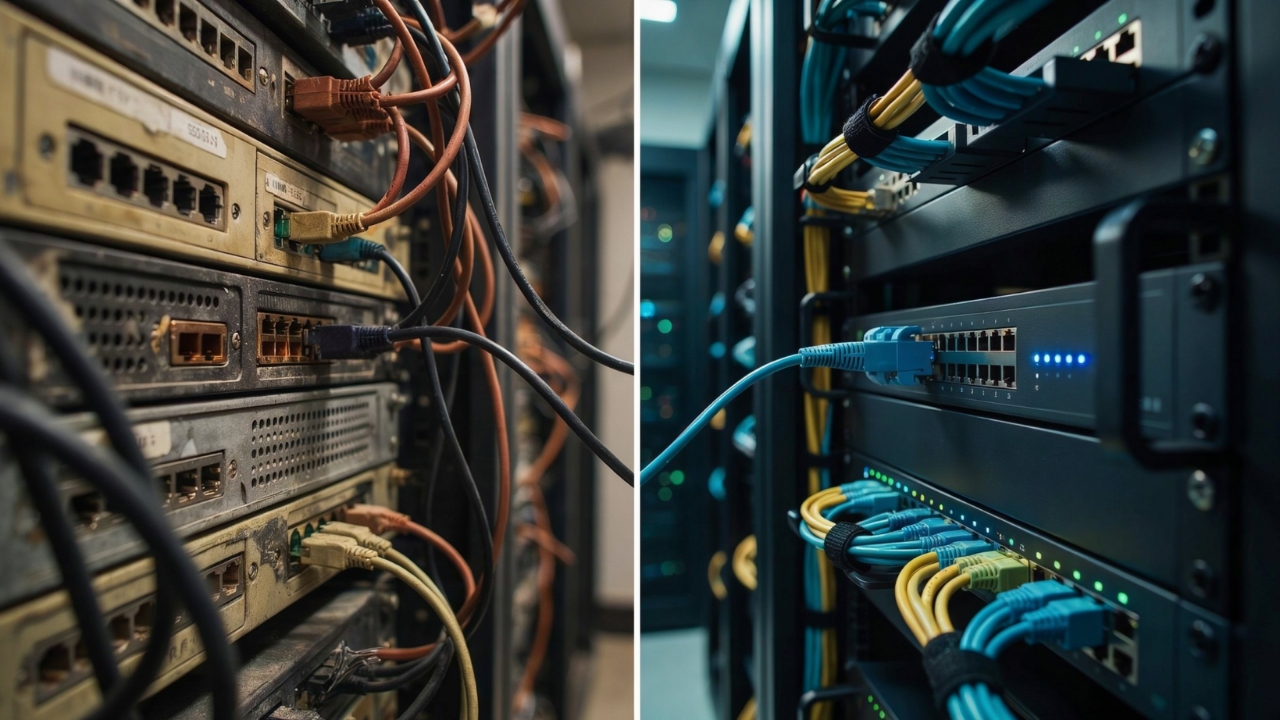
Before you accept a Wi-Fi survey report, we recommend looking past the heat maps and asking whether the findings explain the real user problems.
The report should give you practical direction. If it only says coverage is weak, you still do not have enough information to make a good business decision.
We recommend asking questions like these:
A useful Wi-Fi survey report should help you understand what is happening, why it matters, and what should happen next. That gives your team a clear path forward instead of another vague technical finding.
Federal guidance from NIST says WLAN security depends on how well each component is secured throughout the lifecycle, from initial design and deployment through ongoing maintenance and monitoring. That’s why we prefer reports that consider both performance and risk.

A Wi-Fi survey report should make it easier for you to understand what needs attention next. The most useful reports include a clear summary, heat maps, signal and interference findings, access point recommendations, and next steps ranked by priority.
If your Dallas-area business needs a Wi-Fi survey report that supports practical decisions, we can help. We assess your environment, document the findings in plain language, and help you plan wireless improvements that support uptime, security, and growth.

Protect against loss and crisis.